
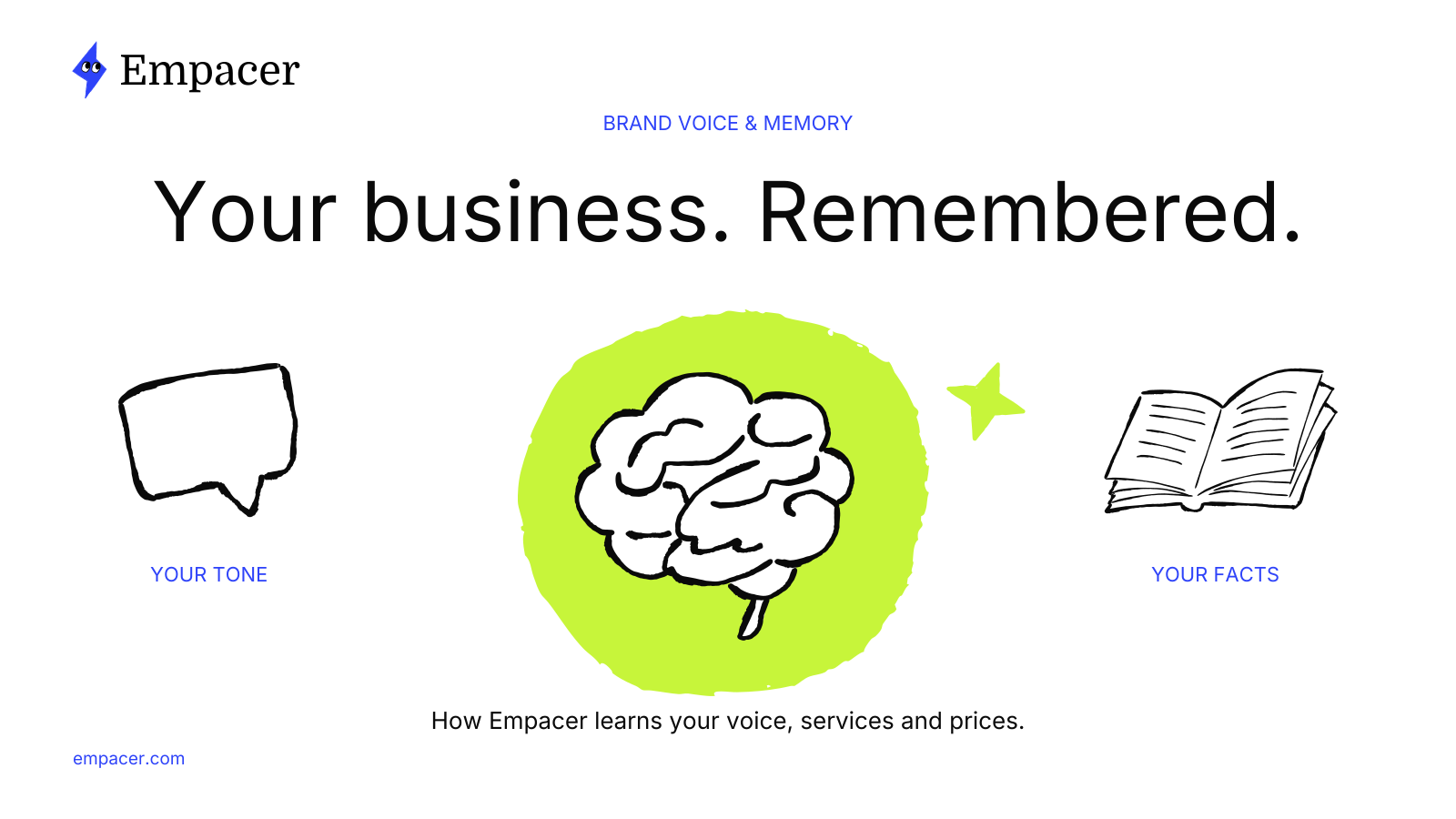
Brand voice AI is AI writing that sounds like your business: your word choice, your sentence length, your level of formality and the things you would never say. For a small business, it needs one more ingredient that big-brand tools tend to skip, and that’s your facts. A caption in the right tone with the wrong price does more damage than a plain caption with the right one.
Empacer handles tone and facts in one place. Its business memory, called About you, keeps your tone next to your services, prices and customers, shows where each fact came from and marks the ones it guessed.
This article explains how to describe your voice to any AI tool, then how Empacer learns that voice, applies it and lets you correct it.
What brand voice AI means for a small business
Large companies feed AI brand voice tools a style guide: tone rules, banned words, approved phrases, sample copy. A barbershop, a yoga studio or a tattoo studio rarely has one. The voice lives in the owner’s head and in a handful of messages customers responded well to.
For a small business, then, brand voice AI has two jobs:
- Sound like you. Short sentences or long ones, first names or formal greetings, jokes or none, emoji or none.
- Know what you know. Opening hours, prices, what a service includes, how much notice a custom order needs, who your regulars are.
The second job is what people mean by an AI that knows your business. An AI assistant with memory keeps those facts between tasks, so you don’t paste them in each time. Without memory, every draft starts generic and you rewrite it into your own voice by hand.
How to describe your voice in three steps
Whatever tool you use, three inputs describe a voice better than a paragraph of adjectives.
- Three words. Pick three adjectives a regular customer would use about the way you talk. A tattoo studio might choose “direct, relaxed, precise.” A yoga studio might choose “calm, plain, encouraging.”
- One sample you like. A caption, an email or a reply that sounds right. Say what to keep from it: the short first line, the way it uses the customer’s name, the lack of exclamation marks.
- Words you never use. Every business has a few. The yoga studio might rule out “burn” and “sculpt.” The tattoo studio might never describe a piece as “cheap.”
Then put the facts next to the voice: a price list, short service descriptions, your booking rules. Tone without facts produces pleasant text that someone has to correct before it goes out.
Setup: three questions, answered out loud
Empacer starts with three short questions about your business. You hold the button and talk, or type if you’re somewhere you can’t speak. Your answers come back as short facts that you can fix and save.
The example on the site is a nail studio. The business name comes back as “Allis Beauty.” Why customers choose it comes back as “Non-toxic polishes, quick 30-minute service, and a relaxing vibe.” That second fact already carries a voice: plain words, concrete details, nothing inflated. Check each fact as it appears. Fixing a wrong one takes a tap at this stage and spares you the same correction in every later draft.
What to say in the first conversation
The first conversation sets the starting point, so give the assistant the details you’d give a new employee on their first shift. Empacer’s own walkthrough for this step uses a bakery:
- Start with what you do. “I run a neighborhood bakery. We sell fresh bread and take custom cake orders.”
- Explain what makes the business different. “Most customers are local families. Custom cakes need three days’ notice.”
- Say what’s taking up your time. “I keep rewriting answers about custom cake orders. Help me prepare a clear reply.”
Then comes the check, which the walkthrough frames as “Did I get this right?”: review the business details the assistant has collected and correct anything that’s missing or wrong. The three-day notice rule is the kind of fact worth confirming here, because every cake reply will lean on it.
About you: facts with sources
Everything the assistant knows sits in About you. Each fact shows its source, which is one of three things: something you said, a file you uploaded, or an earlier task. If a price came from a photo of last season’s price list, you can see that and replace it.
You can change or delete any fact. This is how “no repeating yourself” works in practice. When a service changes, you update it once and stop correcting drafts one by one. The security page shows a sample of that screen and explains how to see and correct what Empacer knows about your business, along with how your data is handled.
Before you share samples, one data point is worth knowing: Empacer doesn’t train its own AI models on your chats or business data, and the AI providers behind it don’t train theirs on your data either.
Guesses, marked as guesses
Three answers can’t tell an assistant everything, and tone of voice is the main gap. So Empacer guesses and labels the guess. On the site, the tone fact reads “Warm, specific, no fluff,” with the note “I guessed this, tap to correct.”
Correct it once and the next piece of work uses your version. If your studio writes in short, dry sentences, change the guess to say so, and the next caption, reply or quote is written that way.
The labeling matters because an unmarked guess looks like a fact. When you can see which details the assistant inferred, you know which ones to check first.
Tuning the tone on a real draft
Setup gets you close. Real drafts show the gaps. When a result reads wrong, say it plainly: “That doesn’t sound like my business.” Then tell Empacer how you want to sound.
Two things help most:
- Share a message or caption you like and explain what to keep from it.
- Give short, concrete instructions. “Keep it friendly and straightforward. Use short sentences. Skip the sales pitch.” Or simply: “Shorter. Warmer. Less formal.”
Empacer’s own tip for this step is short: “Read the draft. Tell Empacer what to change.” On the result card you can also tweak a line yourself before you approve it. To make a change stick, correct the tone fact in About you; that correction carries over to the next pieces of work.
When a fact is missing
A brand voice is only as reliable as the facts inside it. When a task needs a detail that isn’t in business memory, such as the price of a new service, Empacer asks you instead of making up an answer. A tattoo studio owner who asks for “a post about our new flash day” gets an accurate caption by naming the flash prices in the same request.
Then add the new prices to About you, so the next draft that needs them already has them.
The limit is the obvious one: memory holds what you’ve told it. If you raise prices and don’t update About you, drafts keep the old numbers until you change them. A two-minute look at business memory after any price or service change keeps it current.
FAQ
What does brand voice AI mean in practice?
Brand voice AI is AI writing set up to match how a specific business sounds and what it offers. It works from a description of your tone, samples you like, words to avoid and your business facts. For a small business, facts such as prices and services matter as much as tone.
Can an AI learn my brand voice from a few examples?
Yes, a few good samples plus clear instructions get most tools close. Give three adjectives, one message you like with a note on what to keep, and a list of words you never use. Then correct the first drafts; in Empacer, correcting the tone fact in About you carries over to later work.
Do I have to repeat my business details for every task?
Not with an assistant that has memory. Empacer keeps your details in About you and works from them on each task. Change a fact there when something changes, and the next piece of work picks up the new version.
Can I delete what Empacer knows about my business?
Yes. You can correct or delete any fact in About you. If you delete your account in Settings, Empacer removes the related data from its active systems within 30 days.